Get Stillfy for iPhone
Stillfy is free on the App Store for iPhone with iOS 26. There's no sign-in: open it and you're already flying. On Android, a tablet or a computer, the same flight runs in your browser at stillfy.com/fly.
What you'll see
Real screens from the app. No menus to learn: open it and the flight is already there.

One slow flight. Nothing to choose. 
Hold to breathe: 4 in, 6 out. 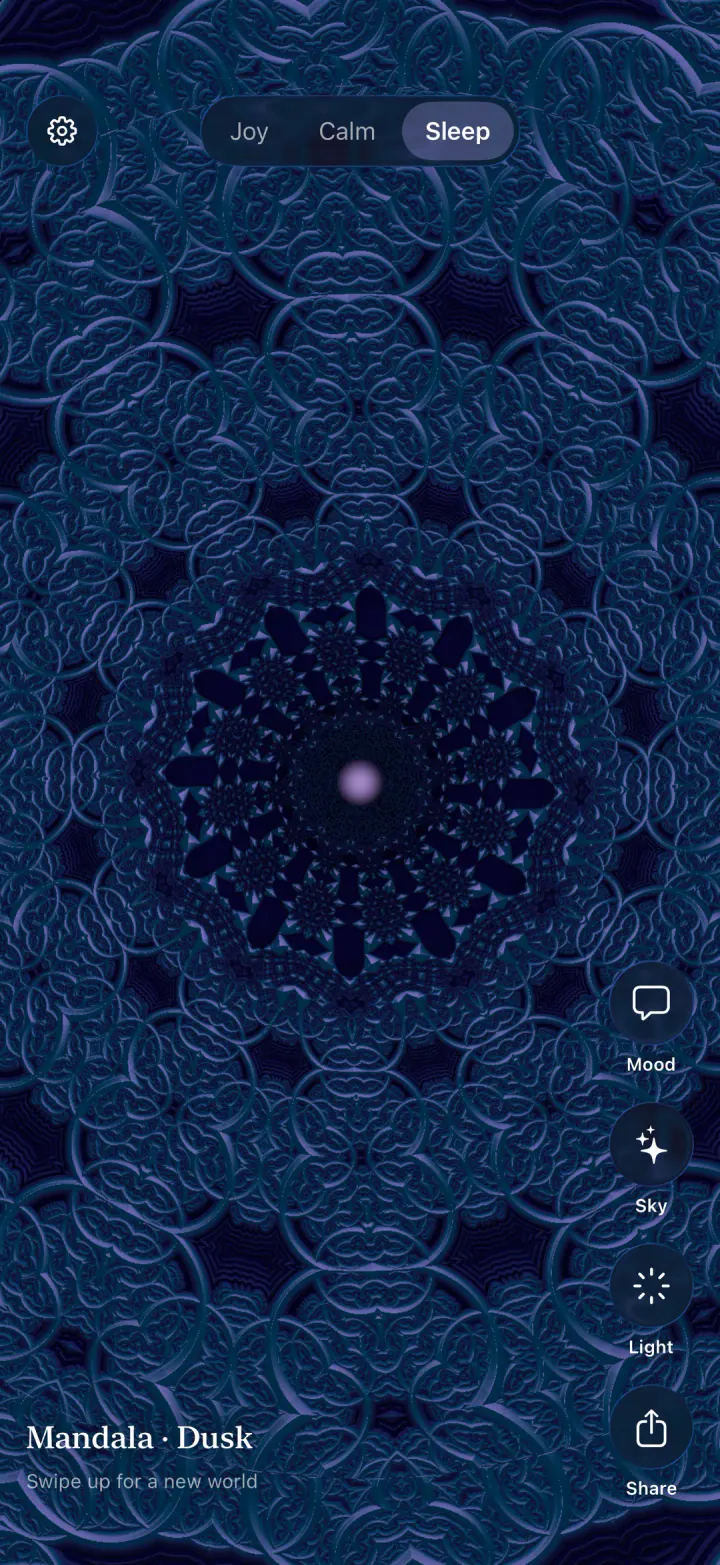
Sleep mode slows down and fades out. 
Send light, and hear where it landed. 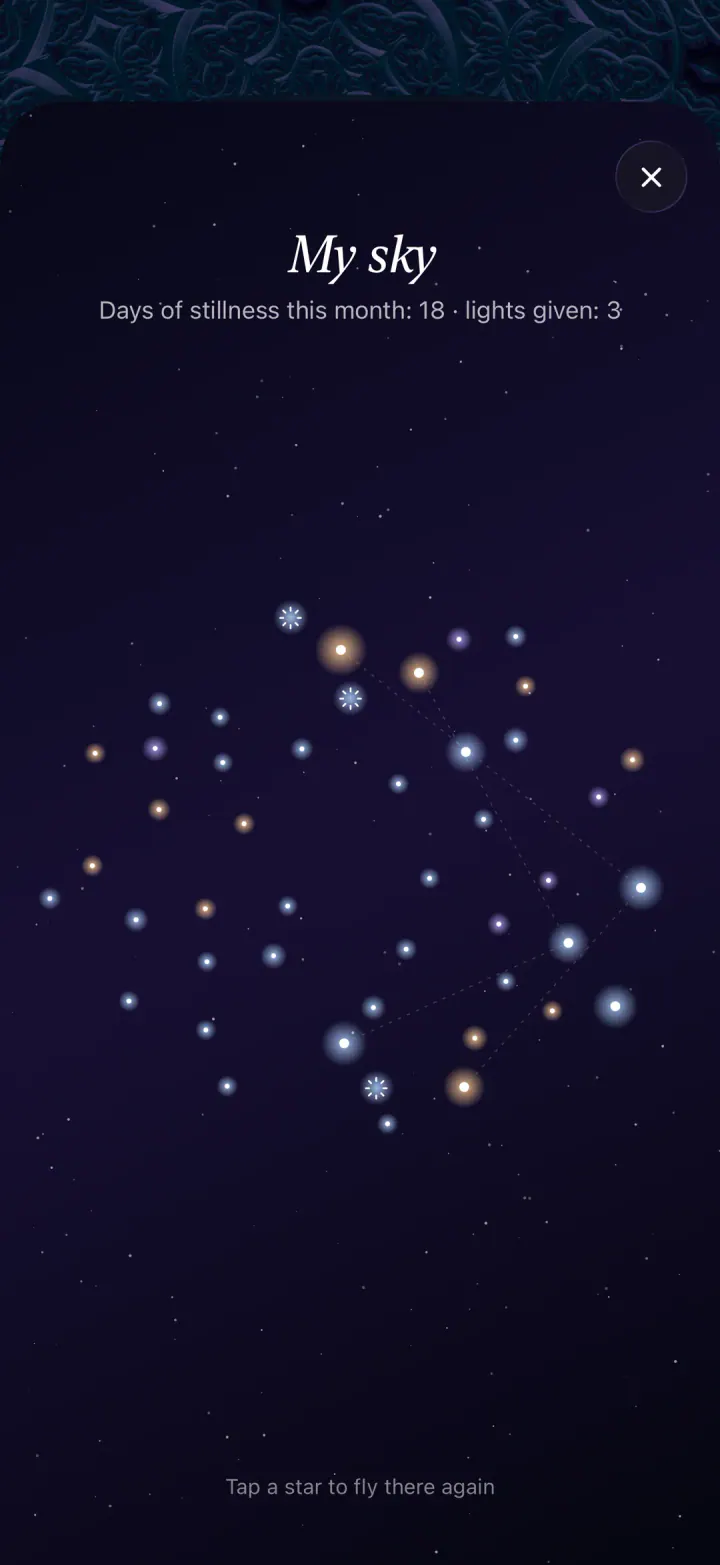
A star for every day you fly. 
Every world with Stillfy+.
Requirements
- iPhone
- iOS 26 or later
- Languages
- English, Spanish, Russian, Portuguese, German, French, Japanese, Arabic, Hindi, Indonesian
- Price
- Free; Stillfy+ optional
- Account
- None needed
Your first minute
- Open Stillfy. The flight starts by itself.
- Swipe up when you want a new world.
- Hold your finger on the screen and breathe with the light: 4 seconds in, 6 out.
- Double-tap a world you love to keep it in My Sky.
Not on iPhone?
Fly in any modern browser. On Android, open the menu and choose “Add to Home screen” to keep it one tap away.
Fly in your browser